Content (CMS)
Ovok ships a headless CMS that lives alongside your FHIR data plane. Authors create and edit content in the Console; your apps fetch it over a thin HTTP surface scoped to your project.
It is opt-in per project. Once enabled, it provisions a dedicated tenant on the Ovok-managed Payload CMS backend, scoped to your Medplum project ID — so content from one project is invisible to another.
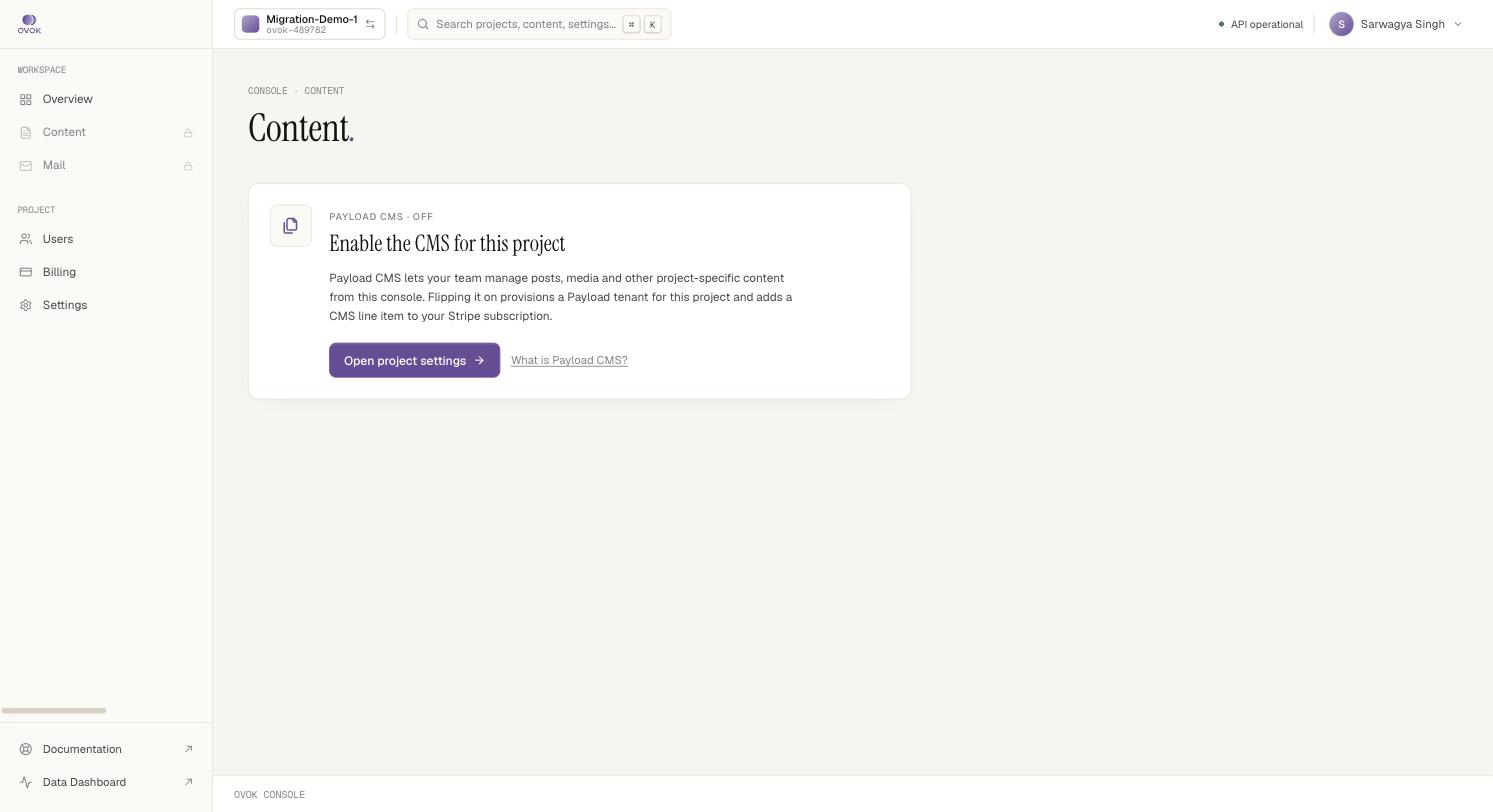
Before enabling, the Content section of the Console shows a single
"Payload CMS · OFF" card pointing you at the toggle:
When to use it
| Use it for | Don't use it for |
|---|---|
| Marketing pages, FAQ entries, onboarding flows, legal text | Per-patient clinical content |
| Localised UI copy your apps render | High-volume telemetry |
| Provider directories, opt-in disclosures, release notes | Anything that belongs in a FHIR resource |
| Image / video assets uploaded by your editorial team | Audit-relevant records |
If the content has a FHIR shape (Patient, Observation, Communication, Questionnaire…), put it in FHIR. The CMS is for the things FHIR doesn't model — copy, configuration, marketing, media.
How it fits together
- Console —
/settings/generalflips the project into the CMS. This provisions the Payload tenant and adds a CMS line item to your Stripe subscription. See Enable CMS. - Authoring API —
/v1/content/*is a thin reverse-proxy that forwards authenticated requests to the project's Payload tenant. Used by the Console and any trusted backend you write. See Authoring with the Content API. - Delivery API —
/v1/public/cms/...serves published content with an API key, no JWT needed. This is what your frontend hits. See Public delivery.
What you ship against
| Surface | Path | Auth | Caller |
|---|---|---|---|
| Authoring | /v1/content/* | Project JWT (Bearer) | Console, trusted backends |
| Delivery | /v1/public/cms/:typeSlug/items | API key header | Frontend / mobile clients |
| Provisioning | /v1/cms/projects/:slug/environments | Project JWT (admin) | Console, control plane proxy |
The legacy /v1/cms/:type/... routes are still live for backwards
compatibility, but they are not the recommended surface. New
integrations should use Content + Delivery above. Legacy routes are
documented in the internal spec only.
Architecture
The CMS runs on shared payload-ovok infrastructure with row-level tenant isolation and per-environment content partitions. See Payload stack and CMS environments.
Next
- Enable CMS on your project — three clicks in the Console
- CMS environments — dev / staging / prod isolation
- Authoring — write content from your backend
- Public delivery — serve content to apps
- API keys — mint, rotate, and scope delivery keys