CMS API keys
Public delivery (/v1/public/cms/...) authenticates with project-scoped
API keys, not JWTs. Each key is bound to one project and grants read
access to that project's published content only. Keys are minted from
the Console.
Minting a key
In the Console, open Settings → API keys → CMS and click New key.
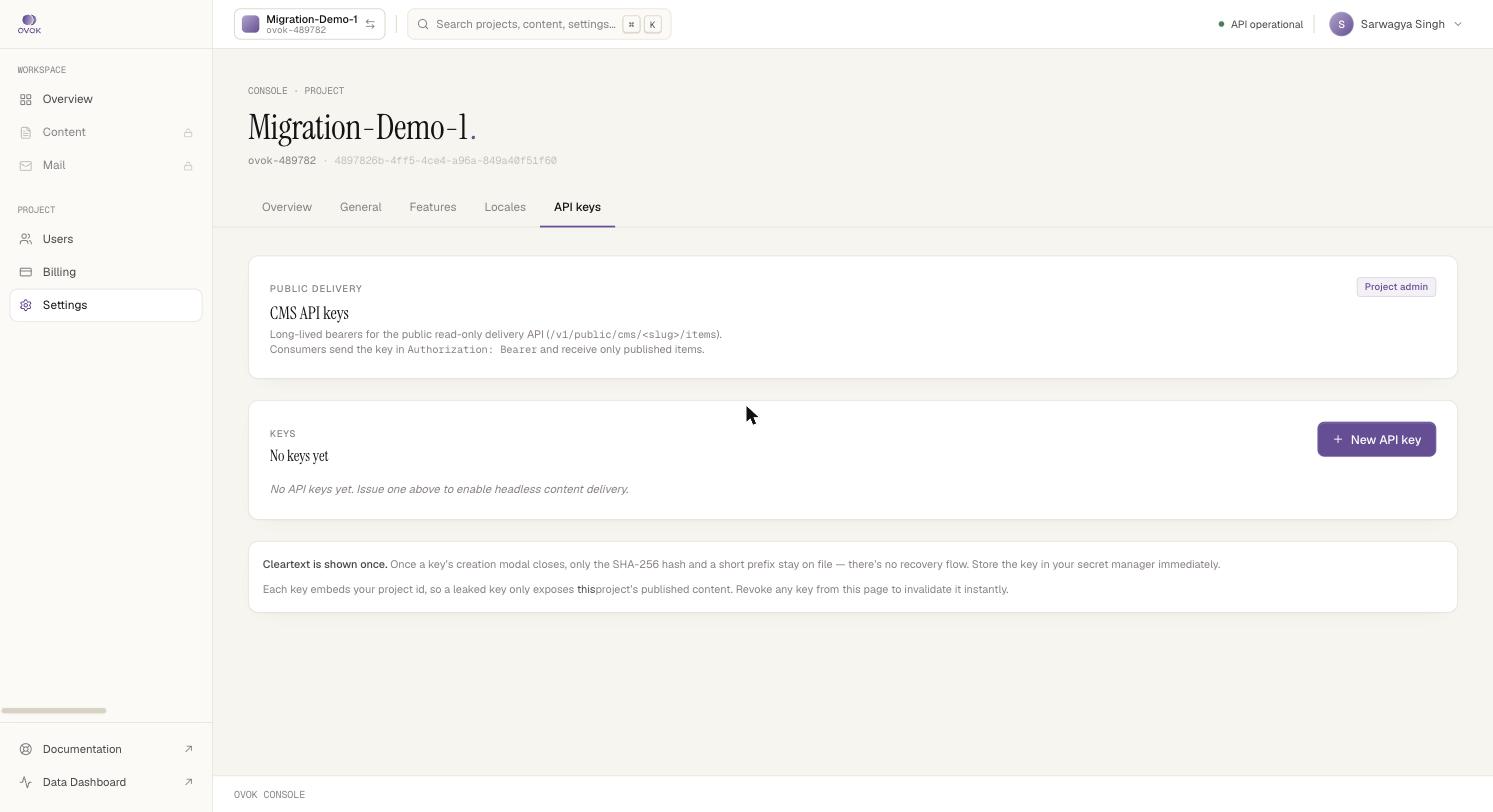
You'll be prompted for:
- Name — internal label, never shown to consumers. e.g. "marketing site", "iOS app".
- Expiry — optional. If set, the key auto-revokes at that time. Leave blank for non-expiring (you can still revoke manually).
On creation you get a one-time view of the full key string:
cmspub_a4f3b21c.... Copy it now — the Console only stores the hash,
so we can't show it again. If you lose it, mint a new one and revoke
the old.
Using a key
Pass it as a bearer token:
curl https://api.sandbox.ovok.com/v1/public/cms/pages/items \
  -H "Authorization: Bearer $OVOK_CMS_KEY"
See Public delivery for the full read surface.
Scope
What a CMS API key can do:
- Read published items via
/v1/public/cms/{typeSlug}/items[/...] - Read media URLs / signed URLs the proxy issues for published items
What it cannot do — 401 or 403:
- Read drafts, unpublished items, or items from other projects
- Write, update, delete (use the Content API with a JWT)
- Read FHIR resources or any non-CMS endpoint
Rotation
Recommended cadence: rotate every 90 days, or immediately if you suspect compromise. The Console lets you:
- Mint the replacement first (overlap window).
- Roll out the new key to your apps.
- Revoke the old key from Settings → API keys → CMS.
Revocation is immediate — in-flight requests using a revoked key
return 401 on the next call.
One key per surface
We recommend a key per consumer:
| Consumer | Key name |
|---|---|
| Marketing site (browser) | mkt-web-prod |
| iOS app | ios-app-prod |
| Android app | android-app-prod |
| CMS preview environment | mkt-web-preview |
This keeps the blast radius of a leak small and lets you rotate one consumer without disrupting the others.
Storage
Don't:
- Commit keys to a public repo
- Ship them in source maps you serve publicly
- Log them at info / debug level
Do:
- Use your build system's secret store (Vercel env vars, Next.js
NEXT_PUBLIC_*if you intentionally expose, GitHub Actions secrets for CI) - Treat the key as a per-app identifier, not a high-value secret — the surface is read-only and published-only
Where they live in the API
The CMS API key management endpoints themselves live under the internal API tag (your dashboard hits them, third parties shouldn't). The key string is created from the Console; programmatic management is not currently exposed publicly.